
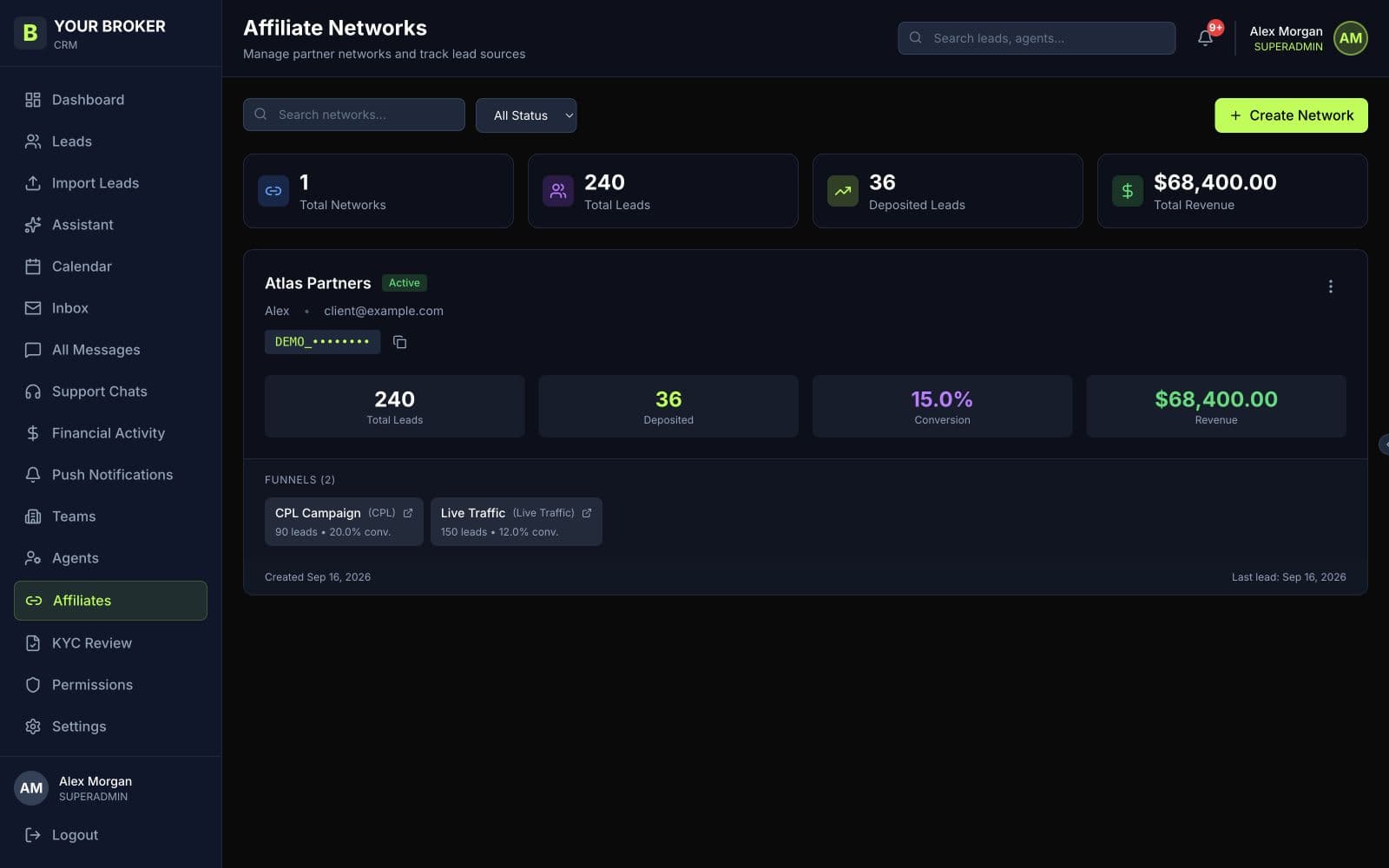
Keep the traffic source visible
Create a network for each affiliate relationship and use funnels to distinguish campaigns. Whether you arrange live traffic, CPL or another model, agree the commercial terms with the partner and keep the lead source traceable.
Plan the API connection
Our team helps connect the affiliate to the broker through the API. Agree the lead fields, country formats and funnel identifiers, then test with fictional records before sending traffic.
- Confirm required contact fields and consent handling
- Map the affiliate network and campaign funnel
- Check assignment, response handling and duplicate behaviour
Give partners the right view
The private affiliate portal lets a network see its own leads and comments. Review access settings and the information visible to the partner. Keep internal brokerage operations in the broker CRM.
Test lead delivery before sending live traffic
Send fictional records through the agreed API connection and follow each record into the CRM. Check both successful delivery and rejected requests, so the affiliate knows when to retry and when to correct the submitted data.
- A valid lead appears under the correct network and funnel
- Missing fields and duplicate records produce the agreed response
- Assignment rules place the lead with the intended team
- Partner access does not expose another network’s leads